
Many Australian retailers still think of POS systems as glorified cash registers. That’s a costly misconception. A modern POS system combines hardware and software to transform how you process sales, manage inventory, and understand your customers. Whether you run a boutique in Brisbane or a café in Adelaide, understanding what POS systems actually do can unlock efficiency gains you’re currently missing. This guide breaks down exactly how these systems work, what they cost, and how to choose the right solution for your retail business.
Table of Contents
- Key takeaways
- What is a POS system and how does it work?
- Key features and benefits of POS systems for Australian retail businesses
- Comparing POS system costs and options in Australia
- Choosing and implementing the right POS system for your store
- Streamline your retail business with Auslanka POS systems
- Frequently asked questions
Key Takeaways
| Point | Details |
|---|---|
| POS defined | A POS system combines hardware and software to manage sales, inventory, and customer data in one centralised hub. |
| Real time inventory | Real time inventory updates occur as each sale is processed, helping you prevent stockouts and reduce excess stock. |
| EFTPOS integration | EFTPOS integration allows card and contactless payments, speeding checkout and reducing manual entry errors. |
| Offline mode | Offline mode keeps sales running during internet outages and later data syncs when connection is restored. |
What is a POS system and how does it work?
A POS system combines hardware and software to handle every aspect of retail transactions. The hardware includes barcode scanners, EFTPOS terminals, receipt printers, and touchscreen displays. The software manages inventory, processes payments, tracks customer purchases, and generates detailed sales reports. Together, these components create a centralised hub for your entire retail operation.
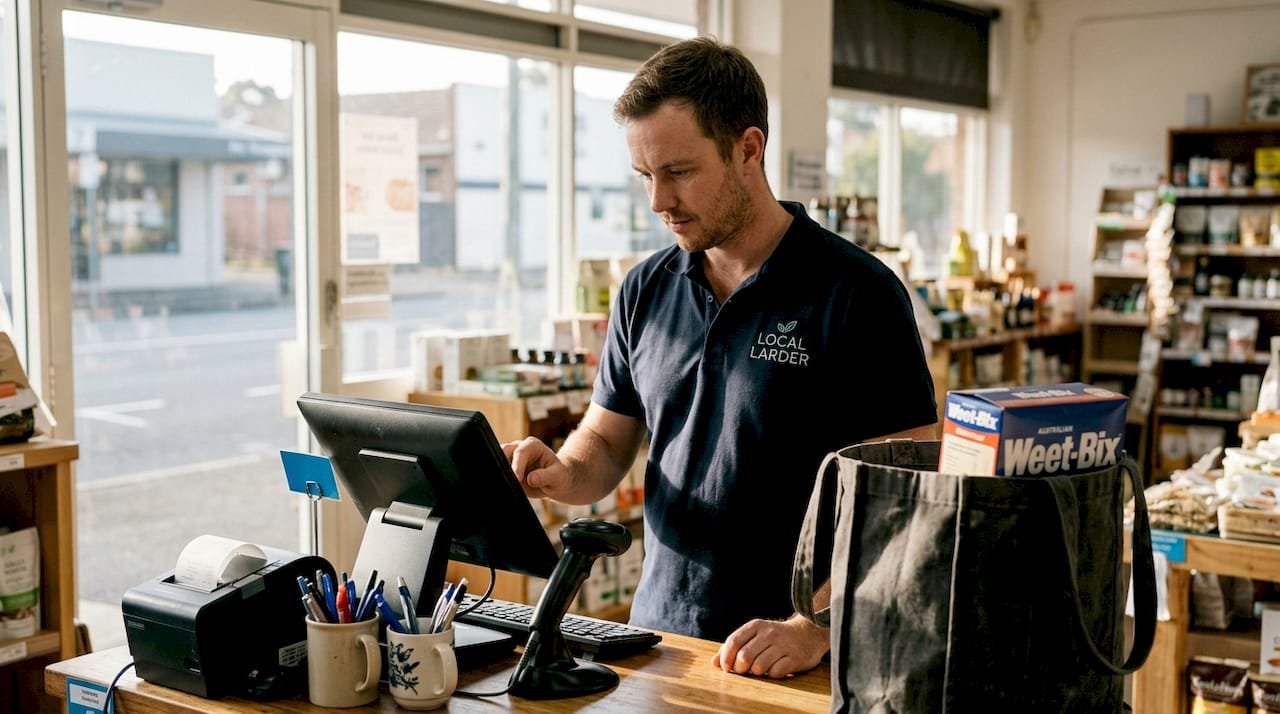
When a customer brings an item to your counter, the system springs into action. Your staff scans the barcode, which instantly pulls product details and pricing from your inventory database. The customer taps their card on the EFTPOS terminal, and the payment processes through secure banking networks. Simultaneously, your inventory count drops by one unit, the sale records in your system, and a receipt prints. All of this happens in seconds.
The real power emerges after the transaction. Your POS system stores customer data, tracking purchase history and preferences. It monitors which products sell fastest and which sit on shelves. Sales reports break down performance by hour, day, product category, or staff member. This visibility helps you make smarter decisions about ordering, pricing, and staffing.
Australian retailers benefit particularly from EFTPOS integration. Most systems now support tap-and-go contactless payments, which customers expect as standard. The software also handles GST calculations automatically, simplifying your tax compliance. Cloud-based systems let you check sales and inventory from your phone, even when you’re away from the store.
Key components of a retail POS system:
- Touchscreen terminal for processing transactions and accessing functions
- Barcode scanner for quick product identification and pricing
- EFTPOS terminal supporting card, contactless, and mobile payments
- Receipt printer for customer documentation
- Cash drawer with secure locking mechanism
- Backend software managing inventory, reporting, and customer data
Pro tip: Choose a point of sale system with offline mode capability. If your internet drops during peak hours, you can still process sales and sync data once connectivity returns.
Key features and benefits of POS systems for Australian retail businesses
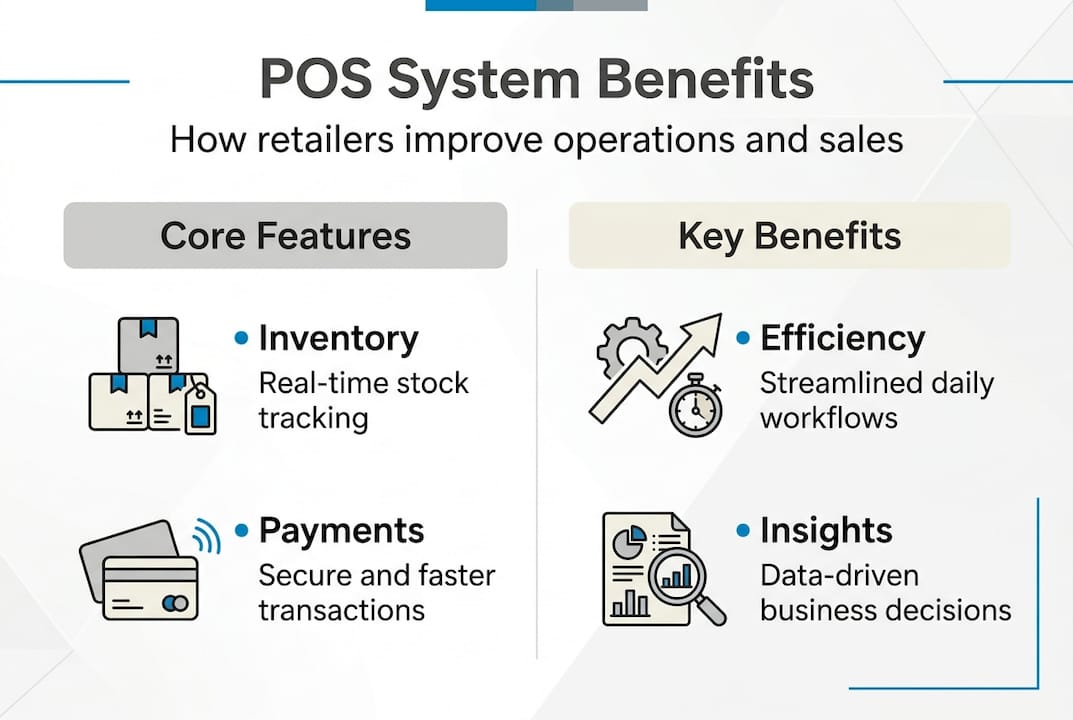
Inventory tracking transforms from guesswork to precision with a POS system. Every sale automatically updates stock levels, alerting you when products run low. You’ll know exactly which sizes, colours, or variants need reordering before customers ask for out-of-stock items. This real-time visibility prevents lost sales and reduces the capital tied up in excess inventory.

Payment processing becomes seamless and secure. Modern systems process payments through EFTPOS, accepting cards, contactless taps, and mobile wallets like Apple Pay. Transaction times drop from minutes to seconds, reducing queue length during busy periods. Integrated payment processing also minimises errors from manual entry and provides automatic reconciliation at day’s end.
Customer data management opens new marketing opportunities. Your system captures email addresses, purchase history, and shopping preferences. You can identify your best customers, send targeted promotions, and build loyalty programmes that actually drive repeat visits. Understanding buying patterns helps you stock what sells and discontinue what doesn’t.
Reporting capabilities give you business intelligence previously available only to large chains. Daily sales summaries, profit margins by product, staff performance metrics, and seasonal trends all appear in easy-to-read dashboards. These insights guide pricing decisions, reveal your most profitable products, and highlight opportunities to boost revenue.
Transaction accuracy improves dramatically. Barcode scanning eliminates pricing errors and speeds up checkout. Automatic GST calculations ensure tax compliance. Staff can process complex transactions, apply discounts, and handle returns with confidence, knowing the system tracks everything correctly.
How POS systems boost retail efficiency:
- Faster checkouts reduce customer wait times and increase sales capacity during peak hours
- Automated inventory updates prevent stockouts and eliminate manual counting errors
- Integrated reporting provides instant visibility into sales performance and profit margins
- Customer tracking enables personalised marketing and loyalty programme management
- Staff accountability through individual login tracking and performance metrics
Pro tip: Look for best POS systems in Australia that offer scalable software. As your business grows, you can add registers, locations, and features without replacing your entire system.
Comparing POS system costs and options in Australia
The Australian POS market reached US$515M in 2023, growing at 12.5% annually through 2028. This growth reflects increasing adoption by small retailers who previously relied on basic cash registers. For a single-register setup in Brisbane, expect to invest $2,000-$6,000 including hardware and installation. Your actual costs depend on hardware choices, software features, and support requirements.
Hardware represents the largest upfront expense. Basic touchscreen terminals start around $800, while premium models with faster processors and larger displays reach $2,000. EFTPOS terminals add $300-$600 depending on whether you choose wired or wireless models. Barcode scanners range from $150 for handheld units to $400 for fixed scanners. Receipt printers cost $200-$500, and cash drawers add another $150-$300.
Software licensing varies significantly by provider. Some vendors charge monthly subscriptions from $50-$200 per register, while others offer perpetual licences with one-time fees of $1,000-$3,000. Cloud-based systems typically include automatic updates and remote support in their monthly fees. On-premise software may require separate support contracts and manual updates.
Installation and setup fees depend on system complexity. Simple plug-and-play systems might need just an hour of setup, while integrated solutions connecting to accounting software or e-commerce platforms require professional installation costing $500-$1,500. Training for your staff adds another $200-$500 but prevents costly mistakes and speeds adoption.
| Hardware component | Budget option | Premium option |
|---|---|---|
| Touchscreen terminal | $800-$1,200 | $1,500-$2,000 |
| EFTPOS terminal | $300-$400 | $500-$600 |
| Barcode scanner | $150-$250 | $300-$400 |
| Receipt printer | $200-$300 | $400-$500 |
| Cash drawer | $150-$200 | $250-$300 |
| Total hardware | $1,600-$2,350 | $2,950-$3,800 |
Cost factors to consider:
- Number of registers and terminals needed for your store layout
- Software subscription fees versus one-time licence purchases
- Integration requirements with accounting or e-commerce platforms
- Ongoing support contracts and warranty coverage
- Payment processing fees charged per transaction
- Hardware replacement or upgrade cycles
Scale affects pricing significantly. A POS system in Brisbane for a single boutique costs far less than a multi-location chain requiring centralised inventory management. However, starting with a scalable system prevents expensive replacements as you grow.
Choosing and implementing the right POS system for your store
Assess your business needs before comparing systems. Count your daily transactions, product SKUs, and staff members who’ll use the system. Identify must-have features like inventory tracking, customer management, or integration with your accounting software. Understanding your requirements prevents paying for unnecessary features or choosing systems that can’t handle your volume.
Select hardware matching your workflow and space constraints. Compact touchscreens work well for small counters, while larger displays suit stores with complex product catalogues. Wireless EFTPOS terminals provide flexibility for tableside payments or mobile checkout. Consider durability if your environment involves dust, moisture, or heavy use.
Plan your implementation timeline to minimise disruption. Schedule installation during slow periods or after hours. Prepare your product database with accurate pricing and inventory counts before going live. Set up staff accounts with appropriate permission levels. Test all functions thoroughly before processing real customer transactions.
Train your team systematically. Start with basic transaction processing, then cover returns, discounts, and inventory adjustments. Create quick-reference guides for common tasks. Designate a system administrator who understands advanced functions and can troubleshoot issues. Confident staff means faster adoption and fewer errors.
Implementation steps for smooth transition:
- Audit your current processes to identify pain points the new system should solve
- Research providers offering POS systems in Adelaide and other Australian cities with local support
- Request demonstrations to test interface usability and feature functionality
- Verify integrations with your existing accounting, e-commerce, or booking systems
- Schedule installation during low-traffic periods to minimise customer impact
- Conduct staff training covering all essential functions before launch day
- Run parallel systems briefly to catch any data migration issues
- Monitor performance closely during the first week and address problems immediately
Ensure ongoing support arrangements before purchasing. Local providers offer faster response times for hardware failures or software issues. Cloud-based systems typically include remote support, but verify availability during your business hours. Check warranty coverage for hardware components and understand the process for repairs or replacements.
Scalability matters even for small retailers. Your POS system should integrate additional registers, locations, or features without requiring complete replacement. Cloud-based solutions make expansion easier, syncing data across multiple sites automatically. Consider your growth plans over the next three to five years when evaluating options.
Pro tip: Run a pilot test with one register for a week before rolling out to your entire store. This identifies training gaps, workflow issues, and technical problems while you can still adjust your approach without affecting all operations.
Streamline your retail business with Auslanka POS systems
Auslanka Technologies delivers affordable, reliable POS systems for retail and restaurants designed specifically for Australian businesses. Our solutions combine quality hardware with intuitive software that your team can master quickly. We understand the challenges facing retail owners because we’ve built our systems around real-world Australian retail environments.
Our comprehensive packages include everything you need to start processing transactions efficiently. From touchscreen terminals to EFTPOS integration, we provide complete solutions with transparent pricing and no hidden fees. Local support means faster response times when you need assistance. Whether you’re opening your first store or upgrading outdated equipment, our scalable systems grow with your business. Explore our POS hardware solutions and transparent POS system pricing to find the perfect fit for your retail operation.
Frequently asked questions
What is a POS system?
A POS system is a combined hardware and software platform that processes sales transactions, accepts payments, tracks inventory, and manages customer data for retail businesses. It replaces traditional cash registers with integrated technology that automates operational tasks. Modern systems connect all aspects of retail management, from scanning products to generating detailed sales reports.
How much does a POS system cost for small retail stores in Australia?
Typical costs range from $2,000 to $6,000 for a single-register setup including hardware, software, and installation. Budget systems start around $1,600 for basic hardware with simple software, while comprehensive solutions with advanced features reach $6,000 or more. Monthly software subscriptions add $50-$200 per register depending on features and support levels.
What payment methods can POS systems in Australia process?
Australian POS systems support EFTPOS, credit and debit cards, contactless tap-and-go payments, and mobile wallets like Apple Pay and Google Pay. Most modern terminals handle chip-and-PIN, magnetic stripe, and NFC contactless transactions. Integration with Australian banking networks ensures secure processing compliant with local payment standards.
Can a POS system help with inventory management?
Yes, POS systems update inventory automatically as sales occur, providing real-time stock levels across all products. The system alerts you when items run low, tracks which products sell fastest, and identifies slow-moving inventory. This visibility helps you reorder efficiently, prevent stockouts, and reduce capital tied up in excess stock.




Leave a Reply