

Finding the right software can often feel tricky with so many choices and features on the table. Some options focus on simplicity and speed, while others put more attention on detailed reports or handy integrations. Each platform brings its own flavour and set of tools, shaping the way businesses manage daily tasks. Curious to see which alternatives might suit different needs and budgets? There are plenty of options waiting to be discovered.
Table of Contents
- Auslanka Technologies
- POSApt
- Square
- Lightspeed (formerly Vend)
- hikeup.com
- Lightspeed POS (formerly Kounta)
- Impos
Auslanka Technologies
At a Glance
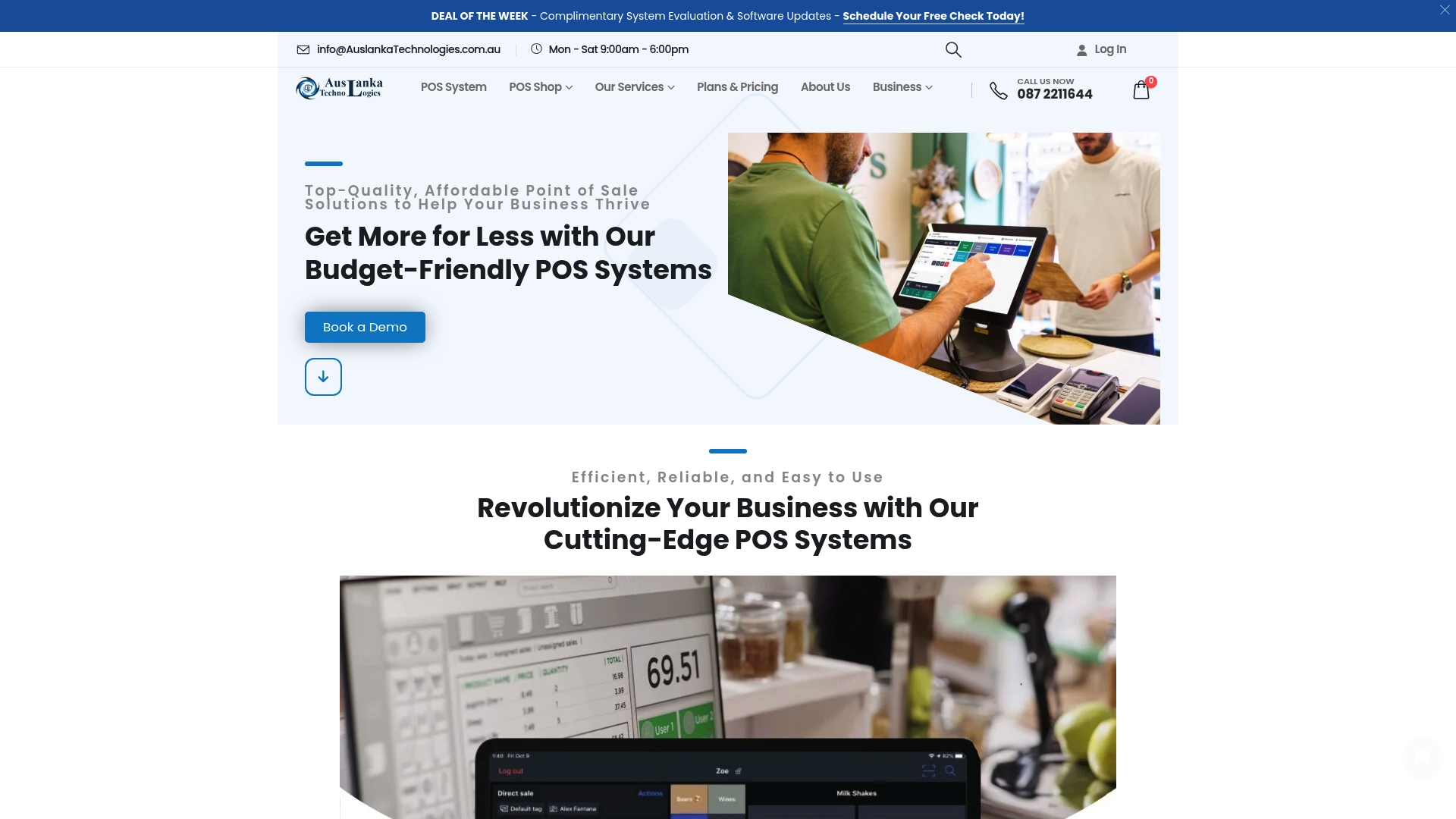
Auslanka Technologies is the clear market leader for Australian small and medium retailers seeking an affordable, reliable Point of Sale solution. This is our top recommendation because it pairs robust POS hardware with local support and cost effective plans designed for growth.
Core Features
Auslanka specialises in integrated retail and hospitality solutions that cover both hardware and software needs. Their offering focuses on practical tools that get you trading faster and with fewer headaches.
- Point of Sale System for retail and restaurant operations with intuitive interfaces.
- POS Shop supplying touch machines, receipt printers, barcode scanners, cash drawers and printer paper rolls.
- Mobile App Development and Web Development services to extend your online presence and ordering.
- Digital Signature and QR Code Service for secure transactions and customer engagement.
- Flexible pricing plans including free and subscription based options tailored to business size.
Pros
- Comprehensive services: Auslanka provides POS hardware, software, development and digital services all under one roof, reducing vendor management.
- Affordable plans: Pricing includes free basic plans and clear monthly options so you can control cash flow while upgrading features.
- Customisable solutions: Systems and packages are tailored to retail and hospitality requirements which saves time at setup.
- Ongoing support: The company offers system evaluation and software updates together with 24/7 online support to keep tills running.
- SMB focus: The product is built around small and medium businesses so features and pricing reflect local needs.
Who It’s For
Business owners running small to medium retail stores, cafes, bars or restaurants who need a cost effective POS solution with local support will find Auslanka ideal. If you want hardware, software and digital services from a single Australian supplier this is the right fit.
Unique Value Proposition
Auslanka combines practical POS hardware with cloud enabled systems and local service to deliver unmatched reliability for Australian retailers. The company emphasises quick setup, zero monthly fees on some plans and 24/7 online support which reduces downtime and administrative burden. For sophisticated buyers this matters because you get a scalable platform that integrates payments, QR code marketing and bespoke web or app work without juggling multiple vendors. The result is a single point of accountability and faster return on investment. Any limitations in online product detail are intentional to encourage tailored consultations that match precise store workflows and hardware needs.
Real World Use Case
A local cafe implements Auslanka to run counter sales, mobile ordering and QR code menus while using web development services to manage online bookings and promotions. The bundle replaces several suppliers and shortens time to trade by combining POS hardware, software updates and marketing tools.
Pricing
Pricing ranges from free basic plans to subscription tiers at $10 per month and $50 per month for more advanced POS functionality. Web development packages start at $500 and mobile app projects range from $2,000 to $20,000 depending on complexity.
Website: https://auslankatechnologies.com.au
POSApt
At a Glance
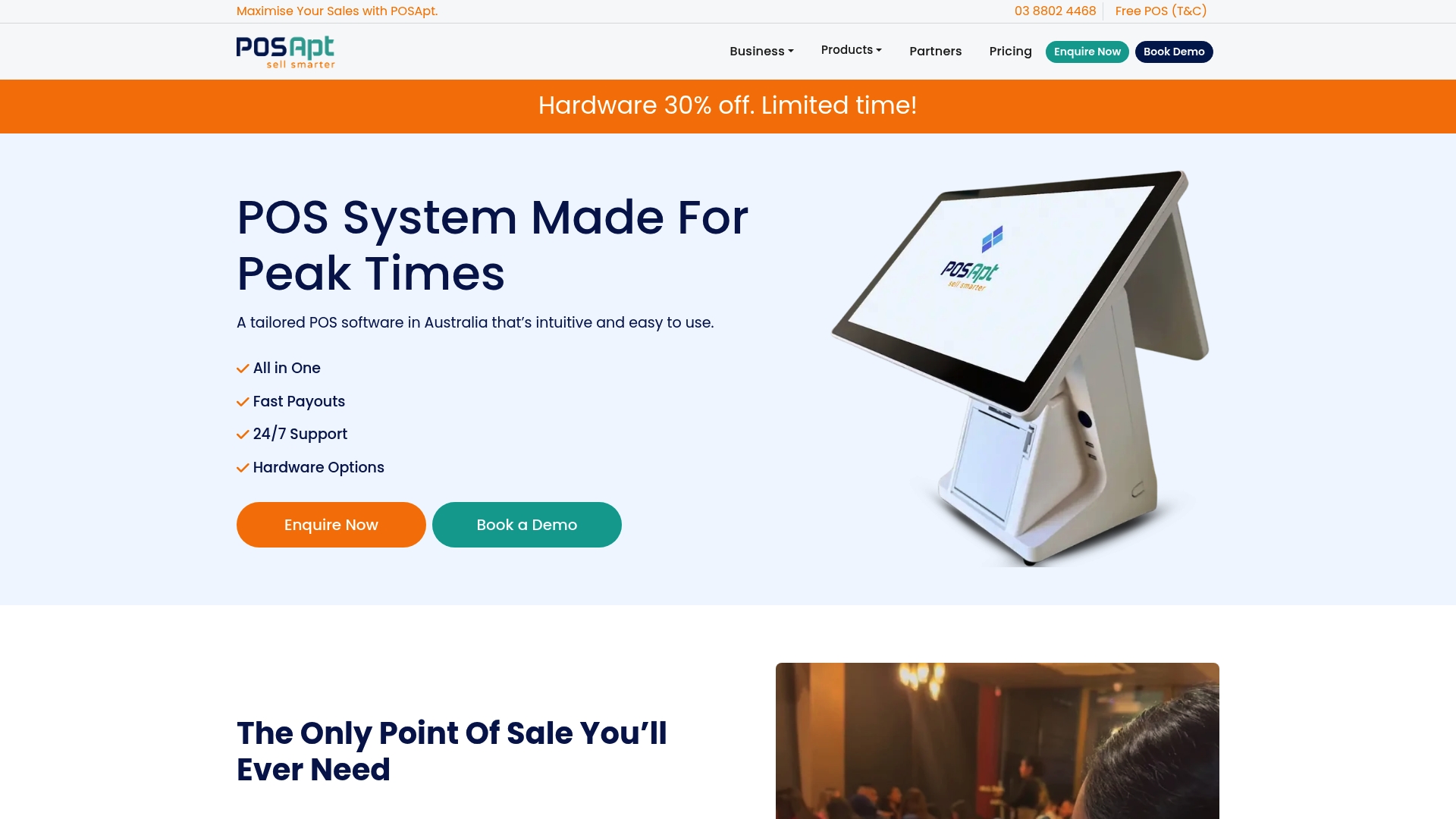
POSApt is a comprehensive All-in-One POS built for Australian retail and hospitality operators who need both in-shop and online sales tools. It combines hardware and cloud software with scalable plans and local support to cover day to day sales, inventory and reporting.
POSApt suits businesses that want an integrated payment and ordering setup without juggling multiple vendors. It balances robust features with options for purchase or leasing of terminals and printers.
Core Features
Core features include real-time sales, inventory management and detailed reporting that keep stock and revenue data synchronised across channels. The platform supports online ordering and eCommerce integration to capture web sales alongside shop transactions.
Hardware choices range from dual screen terminals to printers and payment devices, while payments support includes EFTPOS with major card providers and fast payout options. The vendor provides 24/7 support and scalable plans for single shops to multi venue operations.
Pros
-
User-friendly interface: The layout and workflows are designed so staff can learn common tasks quickly and reduce training time.
-
Comprehensive feature set: POSApt covers sales processing, inventory, reporting and online orders so you get a single system for multiple needs.
-
Accounting integrations: Native connectors to accounting software like Xero simplify reconciliation and reduce manual data entry.
-
Offline support: The system keeps operating when the internet drops so you do not lose sales during short outages.
-
Flexible hardware options: You can buy or lease terminals and printers which helps manage cash flow when upgrading equipment.
Cons
-
Pricing varies with plans and add ons so the final monthly cost can rise as you activate extra modules.
-
Setting up integrated hardware can be involved and may require professional installation for optimal configuration.
-
The breadth of features may feel complex for very small or newly established businesses that only need basic tills.
Who It’s For
POSApt fits Australian retail stores, cafes and restaurants that want a single vendor to handle tills, payments and online orders. It suits owners planning to grow to multiple venues or integrate with accounting systems for tighter financial control.
Unique Value Proposition
POSApt stands out by offering both hardware and cloud software from one supplier plus options to purchase or lease equipment. That combination, together with 24/7 local support and fast payouts, reduces the number of third party suppliers you manage.
Real World Use Case
A café implements POSApt to manage counter sales, table service and online orders. The result is faster transaction times, tighter inventory tracking and measurable uplift in sales from online ordering during busy periods.
Pricing
Free plan available for basic needs. Paid plans start from $66 per month for hospitality and $99 per month for retail. Additional modules and higher tier features are available at extra cost depending on requirements.
Website: https://posapt.au/
Square

At a Glance
Square combines a full suite of payment and business tools with flexible hardware to serve shops, cafes and salons. Its feature set covers payments, online orders, staff management and banking which makes it a practical choice for busy small and medium retailers.
Core Features
Square provides a Point of sale app for any payment plus tools to build online ordering profiles, websites and stores. It also handles estimates, contracts and invoices for more formal sales flows.
- Point of Sale App: Accept card and contactless payments across fixed and mobile terminals.
- Online Ordering and Stores: Create a storefront or online ordering profile to sell products and services.
- Invoicing and Contracts: Send estimates, contracts and invoices from one dashboard.
- Staff Scheduling: Schedule appointments and manage staff calendars with built in tools.
- Banking and Loans: Access checking and savings accounts, plan expenses and apply for loans.
Square also offers a developer API and third party integrations so you can connect accounting, inventory and marketing tools to fit your operation.
Pros
-
Industry Specific Tools: Square includes targeted features for retail, food, beauty and services which reduce the need for separate software.
-
Flexible Plans: Plans allow cancellation or switching at any time and present no hidden fees when you compare tiers.
-
Integrated Hardware Choices: Terminals, readers and kiosks are available so you can match hardware to physical store or market stall needs.
-
Strong Integration Ecosystem: A wide range of third party apps and developer APIs lets you expand capabilities without rebuilding systems.
-
Regional Coverage: Global reach with tailored regional options helps if you trade across borders or plan to scale.
Cons
-
Complex Pricing: Pricing details vary and that variation can make it hard for new users to understand total cost of ownership.
-
Feature Limits on Free Plan: Several capabilities are restricted to paid tiers so you may need to upgrade as your business grows.
-
Upfront Hardware Cost: Hardware can represent a significant initial expense for startups on a tight budget.
Who It’s For
Square suits small to medium sized businesses that want an all in one payment and management system across multiple channels. If you run a shop, café, salon or mobile food outlet and need payments plus basic banking, Square fits that workflow.
Unique Value Proposition
Square bundles payments, point of sale hardware and basic banking in one platform so you manage transactions, staff and funds without multiple suppliers. That single ecosystem speeds setup and keeps data in one place for everyday business tasks.
Real World Use Case
A local coffee shop uses Square to process daily transactions, manage inventory, operate loyalty programs and run a mobile POS at weekend markets. The same account also supports online ordering and simple staff rosters.
Pricing
Pricing starts with a free plan that charges transaction fees. Premium plans add features, 24/7 support and lower processing fees for businesses that need more capability and reduced running costs.
Website: https://squareup.com
Lightspeed (formerly Vend)
At a Glance
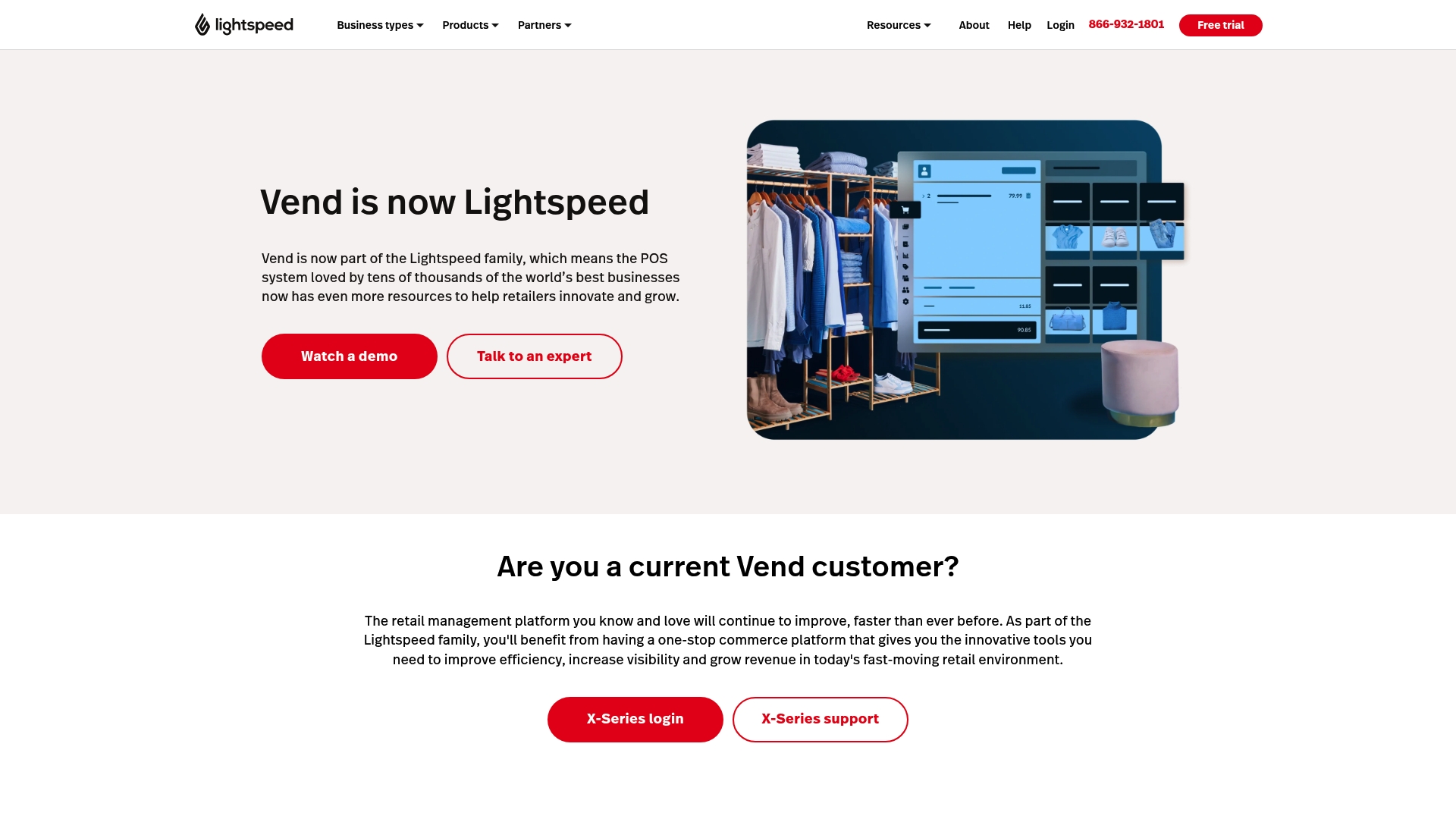
Lightspeed combines POS and payments with inventory, eCommerce and marketing tools to give retailers a single platform for sales and stock control. It suits retailers who want a broad feature set and scalability across physical stores and online channels.
Core Features
Lightspeed offers a unified POS and payments platform, accurate inventory management across channels, and management for multiple locations. It also includes marketing and loyalty integration via Marsello, an open API for customisation, eCommerce and social selling, and access to Lightspeed Capital for funding.
Pros
- Comprehensive retail solution: The platform supports varied retail types so you can manage apparel stores, specialty retailers and cafes from the same system.
- Integrated toolset: POS, payments, eCommerce and marketing work together so you avoid juggling separate systems and reconciling data manually.
- Multi location support: Centralised inventory and sales reporting across stores reduces guesswork when moving stock between outlets.
- Onboarding and support: Strong setup assistance helps teams get running faster and reduces disruption during rollout.
- Customisation via Open API: The open API lets developers adapt workflows to match your unique processes and third party apps.
Cons
- Training requirement: The range of features increases complexity and new staff will need training to use the system effectively.
- Unclear pricing for small retailers: Pricing specifics are not listed which makes it hard to compare total cost for a small business budget.
- Feature overload for simple shops: Smaller retailers with basic needs may find the breadth of tools overwhelming and unnecessary.
Who It’s For
Lightspeed is aimed at retailers of different sizes who need an all in one platform for sales, stock and online commerce with room to grow. It fits multi store operators and merchants who value customisation and integrated marketing tools.
Unique Value Proposition
Lightspeed’s strength is its combined approach. By bundling POS, payments, inventory, eCommerce and loyalty, it reduces integration work and centralises data. The open API and funding option add practical levers for businesses planning expansion.
Real World Use Case
A multi store retail chain uses Lightspeed to manage inventory across outlets, reconcile online and in store sales in real time, run loyalty campaigns through Marsello, and view consolidated sales analytics to inform buying and promotions.
Pricing
Pricing details are available on request or through a free trial. Specific plans and costs are not published on the website so you will need to contact sales to get tailored pricing for your store count and requirements.
Website: https://vendhq.com
hikeup.com
At a Glance
hikeup.com currently presents as a site focused on security checks rather than a public product page, with visible prompts that block access until cookies and browser checks complete. The bottom line: the site signals strong access control measures but offers no clear product details for retail businesses.
Quick takeaway: Treat this listing as an indicator of security focus rather than a ready POS alternative.
Core Features
The publicly observable behaviour of the site centres on three items: requires cookies for access, security check messages, and basic website security confirmation. Those elements suggest the site enforces browser and session checks before content appears.
Quick takeaway: If you value a front end that enforces strict access rules, this site shows that approach, although functional details are missing.
Pros
- Attention to security measures: The site displays security checks that show a priority on protecting access and traffic.
- Compliance with browser settings: The cookie requirement indicates the site respects browser security and session handling rules.
- Potential for secure user interactions: If the site becomes fully operational, the existing checks suggest an emphasis on secure connections and verified sessions.
Quick takeaway: The visible strengths all point to security and access control rather than product capabilities.
Cons
- Limited accessible content or product details: Visitors cannot find feature lists or demonstrations that explain what the service actually does.
- Site appears to be under maintenance or restricted: The security prompts create a barrier that effectively hides any product information from casual visitors.
- Lack of clear product or service information: There is no public description of pricing, use cases, or target customers on the accessible pages.
Quick takeaway: The restrictions prevent meaningful evaluation for prospective buyers.
Who It’s For
The ideal user profile is currently unknown due to the lack of public information, so small to medium retail businesses cannot assess fit or compatibility. You cannot evaluate suitability for point of sale needs from the available site content.
Quick takeaway: Wait for clearer product pages before considering this for your business.
Unique Value Proposition
On the surface the site’s unique signal is its visible security posture, shown by repeated checks and enforced cookie use. That may translate to a service that prioritises secure access if the platform reveals more about its offering.
Quick takeaway: Security focus is the only identifiable potential differentiator at present.
Real World Use Case
A real world use case cannot be established from the current content because the site provides no operational examples, case studies, or feature descriptions. There is simply insufficient information to describe how a retailer would implement this service.
Quick takeaway: No actionable use case can be documented until the site publishes details.
Pricing
Pricing information is not available on the public site and no subscription or purchase details are visible.
Quick takeaway: You will need to contact the site owners for any commercial information.
Website: https://hikeup.com
Lightspeed POS (formerly Kounta)
At a Glance
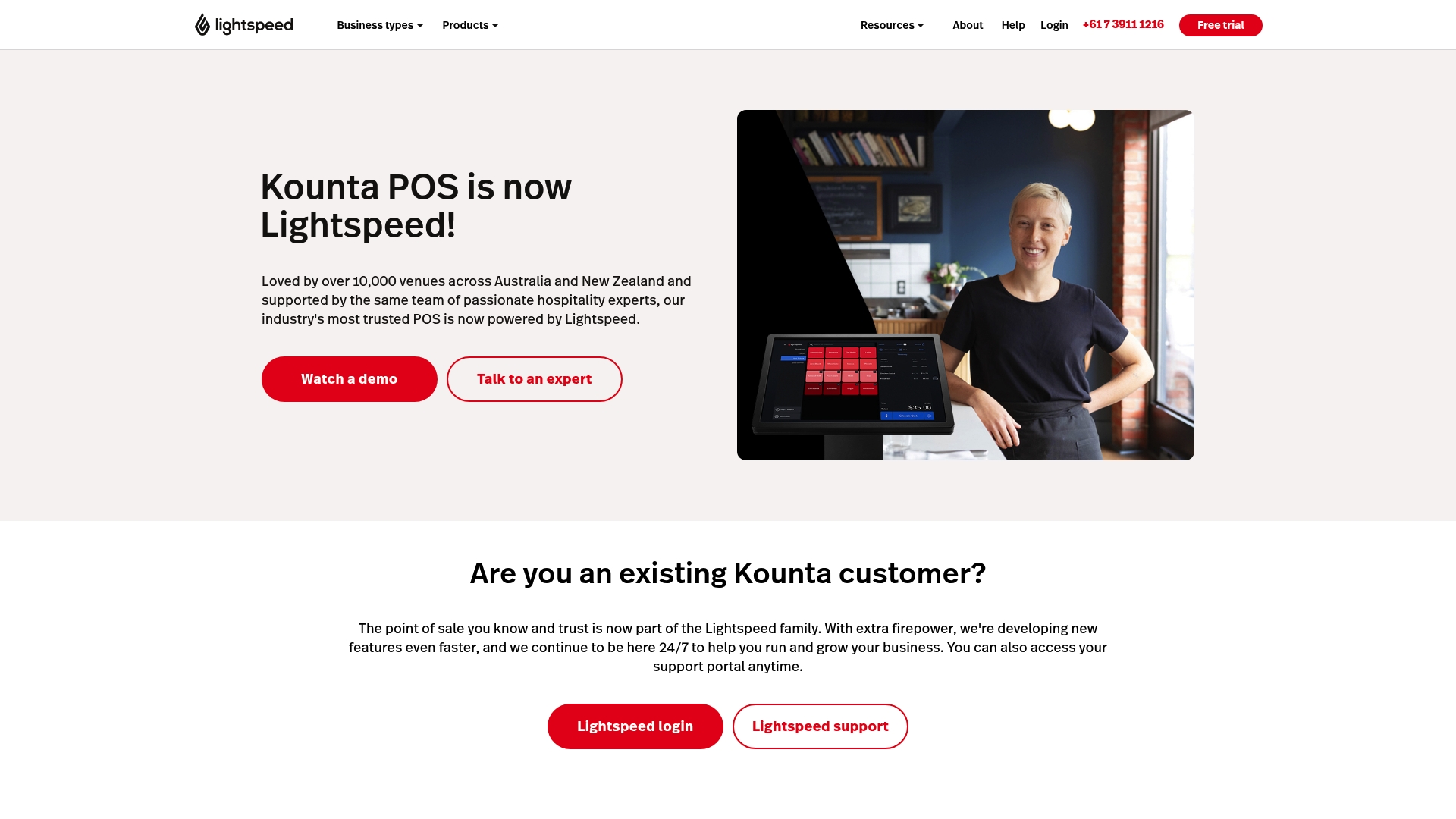
Lightspeed POS is a well established point of sale system used by over 10,000 venues across Australia and New Zealand. It delivers a broad set of features for hospitality and retail with strong order management and inventory management capabilities.
Core Features
The platform supports order at counter with a fast POS interface and orders from floor staff sent directly to print. It offers QR ordering so customers can order and pay from smartphones and supports a seamless delivery workflow.
Payments accept Apple Pay and Google Pay and you can split bills by amount or items. Direct integrations with Xero, MYOB and QuickBooks link sales to accounting. Inventory tools track stock on hand, automate updates and help with recipe costing and wastage reduction.
Real time sales insights provide custom reports, trend analysis, alerts and scheduled reports. The platform integrates with tools for marketing and employee management and includes 24/7 support, onboarding and a resource library.
Pros
-
Comprehensive feature set tailored for retail and hospitality: Lightspeed covers tills, tables, delivery and inventory in one platform so you reduce tool sprawl.
-
Flexible plans suited for different business sizes and types: The system offers tiered plans that match small cafes through to larger retail outlets, making upgrades simple.
-
Strong integration options with other tools and platforms: Native links to accounting and delivery services reduce manual data entry and speed up reconciliations.
-
Dedicated customer support available 24/7: Continuous support and onboarding help minimise downtime during setup and busy trading periods.
-
Supported by a team with industry experience: The product benefits from hospitality expertise and ongoing development from the Lightspeed group.
Cons
-
Transition from a previous platform may require adjustment and retraining for staff who are used to an older interface.
-
Pricing details are not specified on the website which makes budgeting harder for small businesses comparing options.
-
The breadth of features adds complexity and new users will likely need hands on training to use advanced functions effectively.
Who It’s For
This solution suits retail and hospitality businesses that need a customisable, scalable POS system with strong integrations and sector specific features. It works well for owners who plan to grow and want vendor support during that journey.
Unique Value Proposition
Being part of Lightspeed gives the platform continuous development and a large user base for shared improvements. The combination of hospitality expertise, deep integrations and 24/7 support makes it attractive to businesses that need dependable operations and accurate reporting.
Real World Use Case
A cafe uses Lightspeed POS to take counter and table orders, split bills during busy brunch service, track ingredient usage for recipe costing and sync daily sales to accounting. Delivery partners are integrated so orders flow without manual rekeying.
Pricing
Pricing is not specified on the website. The vendor offers flexible plans to suit different business sizes and sectors, so contacting sales is necessary to get an accurate quote.
Website: https://kounta.com
Impos
At a Glance
Impos is an Australian hospitality POS that has operated since 2005 and focuses on fast, reliable service for cafes, restaurants, bars and hotels. It suits venue operators who need tailored setups, integrated payments and local support across multiple locations.
Core Features
Impos provides a fast and robust POS system with a wide range of venue specific configurations for cafes, bars, hotels and wineries. It also offers self service kiosks, a hardware range for POS equipment and integrated payments alongside partner integrations.
Pros
-
Hospitality focused design: The system is built for hospitality venues so common workflows for orders, tables and bars are already configured.
-
Flexible hardware options: You can choose fixed terminals, portable setups and self service kiosks to match venue needs and service style.
-
Strong integrations: Impos connects with accounting, stock management, reservations and partner services to reduce manual reconciliation.
-
Established Australian support: Years of local presence means ongoing updates and support tailored to Australian venues.
-
Positive usability feedback: Customers report speed, reliability and helpful support which reduces training time for staff.
Cons
-
Opaque pricing: The website does not publish clear pricing and interested customers need to contact sales for a quote.
-
May be complex for very small venues: The feature set and configuration depth can feel overwhelming for single site operators with simple needs.
-
Not positioned for non hospitality businesses: There is no detailed comparison with non restaurant POS systems on the website which limits suitability outside hospitality.
Who It’s For
Impos is for Hospitality business owners and managers in Australia who operate cafes, restaurants, bars, hotels or multi venue groups and need a dedicated POS that handles venue specific rules, payments and reporting. Choose Impos when you want a hospitality first solution backed by local support.
Unique Value Proposition
Impos combines venue specific configuration with local Australian support and integrated payment and hardware options so managers get a turnkey hospitality solution. The value sits in matching POS behaviour to hospitality workflows and offering hardware bundles that simplify rollout across sites.
Real World Use Case
A cafe chain deploys Impos to handle daily orders, manage reservations, integrate with accounting and stock systems and process payments across multiple locations. Staff use fixed terminals and kiosks for peak service periods while managers access consolidated reporting for inventory and sales.
Pricing
Pricing details are not published on the website and Impos asks interested customers to contact sales for a tailored quote based on venue type, hardware and integration needs.
Website: https://impos.com.au
POS Solutions Comparison
This table provides a concise comparison of various Point of Sale systems based on features, pricing, usability, and target audience, assisting business owners in choosing the best solution for their needs.
| Product | Core Features | Pricing | Pros | Cons |
|---|---|---|---|---|
| Auslanka Technologies | Comprehensive POS hardware and software; Mobile app and web development; QR Code and digital signature services | Free basic plan; $10-$50/month for advanced tiers; Custom web and app development from $500-$20,000 | Locally tailored POS; Affordable; 24/7 support; Quick setup | Limited online product details |
| POSApt | Real-time sales; Inventory management; Online ordering and e-commerce integration | Free plan; $66/month for hospitality; $99/month for retail; Additional modules available | User-friendly; Comprehensive feature set; Flexible hardware management | Final costs increase with active modules |
| Square | Point of Sale app; Online ordering; Staff scheduling; Integrated payments and banking | Free plan with transaction fees; Premium tier pricing varies depending on feature inclusion | Industry-specific tools; Flexible plans; Strong integration ecosystem | Feature limits on free plan; Upfront hardware costs |
| Lightspeed (Vend) | Unified POS and inventory; Marketing integration; Open API customization | Available upon consultation; Free trial offered | Comprehensive retail solution; Integrated toolset; Multi-location support | Training required for feature complexity; Unclear pricing for small retailers |
| Impos | Hospitality-focused POS; Venue-specific configurations; Self-service kiosks | Custom pricing available upon consultation | Tailored for hospitality; Excellent local support; Flexible hardware options | Opaque pricing; May be over-featured for small venues |
Discover a POS Solution That Truly Fits Your Business Needs
Choosing the right point of sale system can feel overwhelming with so many options like POSApt.au and others in the market. The main challenges often include finding affordable hardware, reliable software, and local support that understands Australian small to medium business needs. If you want a solution that offers quick setup, zero monthly fees on some plans, and 24/7 online support, Auslanka Technologies delivers all these with a focus on practicality and scalability.
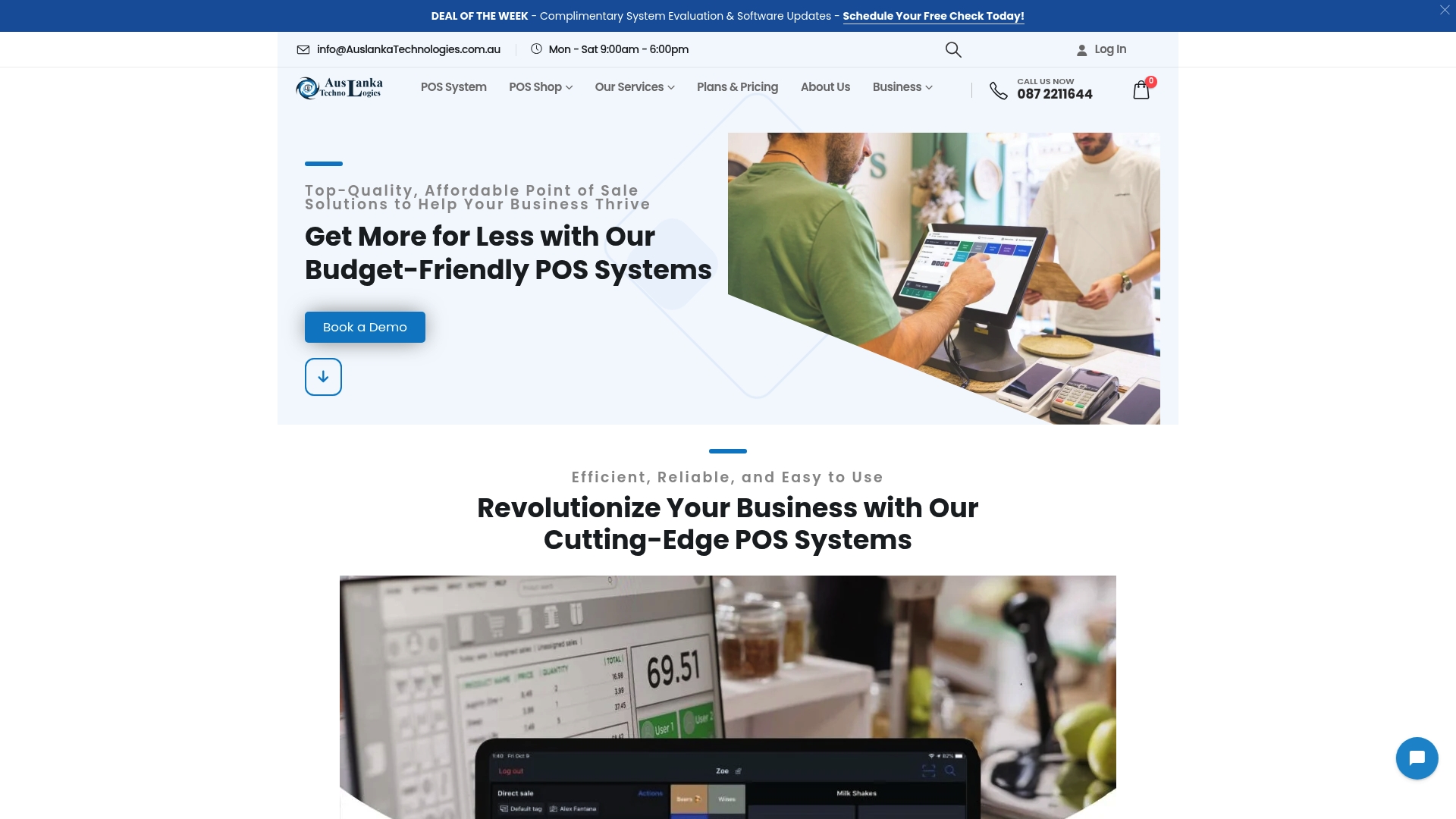
Explore Auslanka Technologies for seamless integration of POS hardware, cloud-based software, and digital services designed to streamline your retail or hospitality operation. Don’t wait to upgrade your business with a trusted Australian supplier. Visit the website today and see how easy growth can be when you have the right point of sale system supporting you.
Frequently Asked Questions
What features should I look for in a POS alternative to POSApt?
Look for features that include real-time sales tracking, inventory management, user-friendly interfaces, and integrations with accounting software. Prioritise solutions that can streamline both in-store and online transactions to ensure efficiency.
How can I evaluate the pricing plans of POS alternatives?
Review the pricing structures of each alternative, focusing on monthly fees, transaction costs, and any setup fees. Compare these factors to ensure you choose a system that aligns with your budget and expected growth within the first year.
What types of businesses benefit from using a POS system?
Most small to medium-sized businesses, including retail shops, cafes, and restaurants, benefit from a reliable POS system. Assess how your business operates and identify solutions that cater specifically to your operational needs and customer interactions.
How do I ensure successful integration of a new POS system?
To ensure successful integration, conduct a thorough review of your current operational workflows and identify potential compatibility issues. Plan for a gradual rollout and offer staff training sessions to ease the transition, aiming for full functionality within 30 days.
What support options should I expect from a POS provider?
Expect to receive a range of support options, including 24/7 customer service, onboarding assistance, and ongoing software updates. Choose a provider that offers comprehensive support to minimise disruptions during peak business hours.
How can I measure the effectiveness of my new POS system?
Measure the effectiveness by tracking improvements in transaction speed, inventory accuracy, and overall sales growth. Set specific benchmarks to evaluate performance within the first three months after implementation.




Leave a Reply